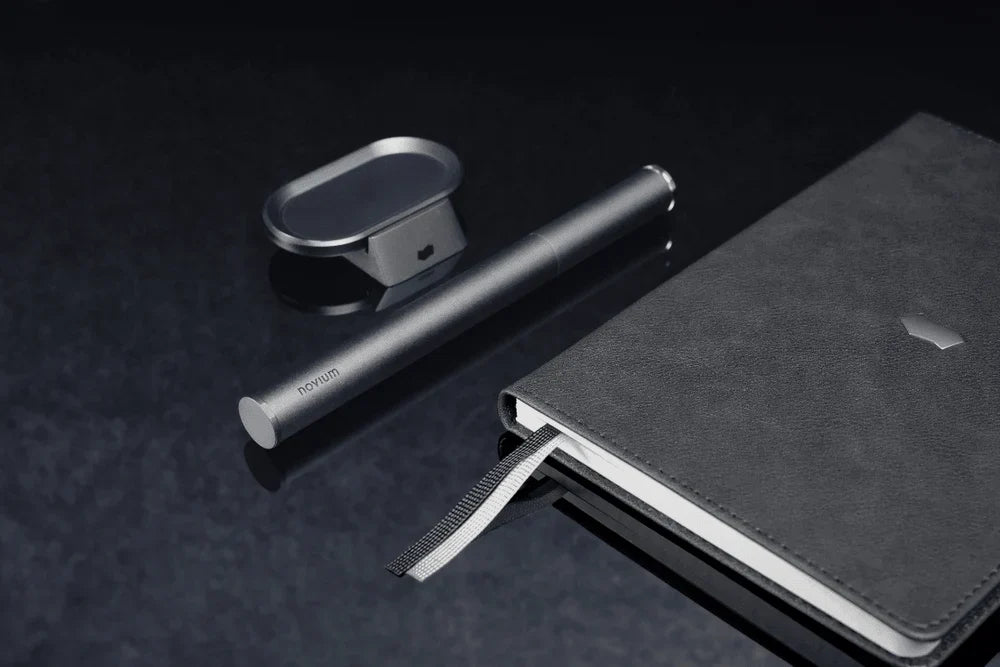
A minimalist workspace is not an empty one. It is an edited one.
The best minimalist desk accessories earn their place: they do a real job, and they take away more visual noise than they add. Below are the five pieces we designed to sit beside the Hoverpen without competing with it, plus the simple test we use to decide what stays on a desk.
What Makes a Desk Accessory Truly Minimalist?
A minimalist desk accessory reduces what your eyes have to process while still doing useful work. The reason is neurological, not just aesthetic. Research from Princeton neuroscientists published in the Journal of Neuroscience found that objects sharing your visual field compete for neural representation and suppress one another. Every extra object on your desk has an attention cost.
So each piece has to justify that cost. We use three criteria:
- It earns its footprint. One object, one clear reason to be on the surface.
- It does more than one job. A holder that organizes and displays. A case that protects and travels.
- It is honest about material. Aluminum, zinc alloy, a hardbound cover. Real materials read as calm.
Most "desk organizers" fail this test. They add a second object to manage the first.

What Are the Best Minimalist Desk Accessories?
We built five pieces around one idea: every object on the desk gets a single, clear role, and all of them share one material language. Aluminum, zinc alloy and hardbound covers, in the same dark and silver tones as the Hoverpen.
The result is a set that reads as one system, not a collection of unrelated objects. Here is what each piece does, and why it earns its footprint.
Novium Dock: The Stand That Makes Your Desk Float
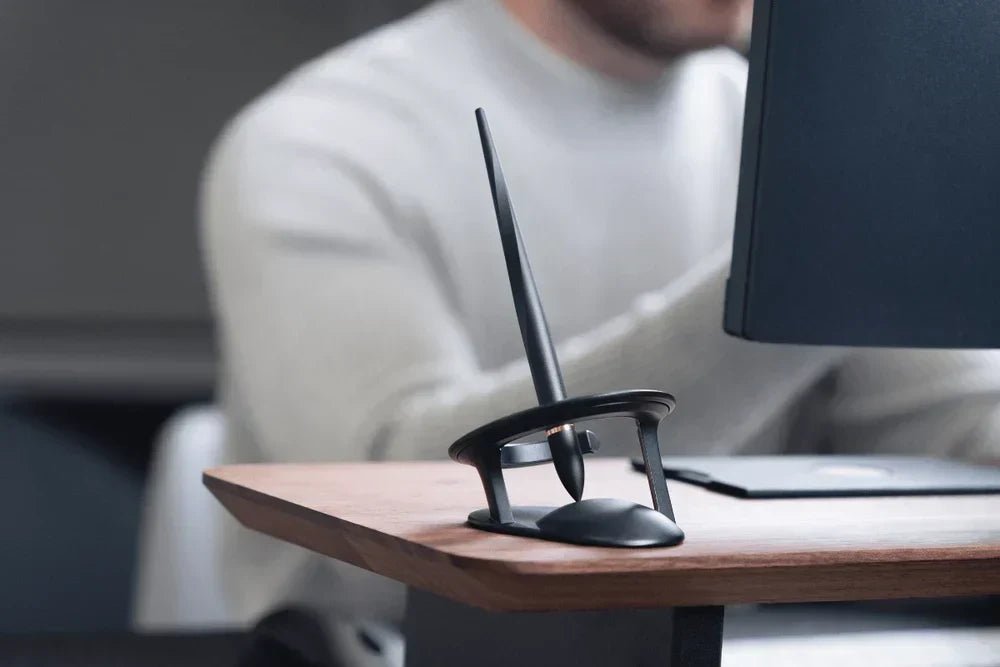
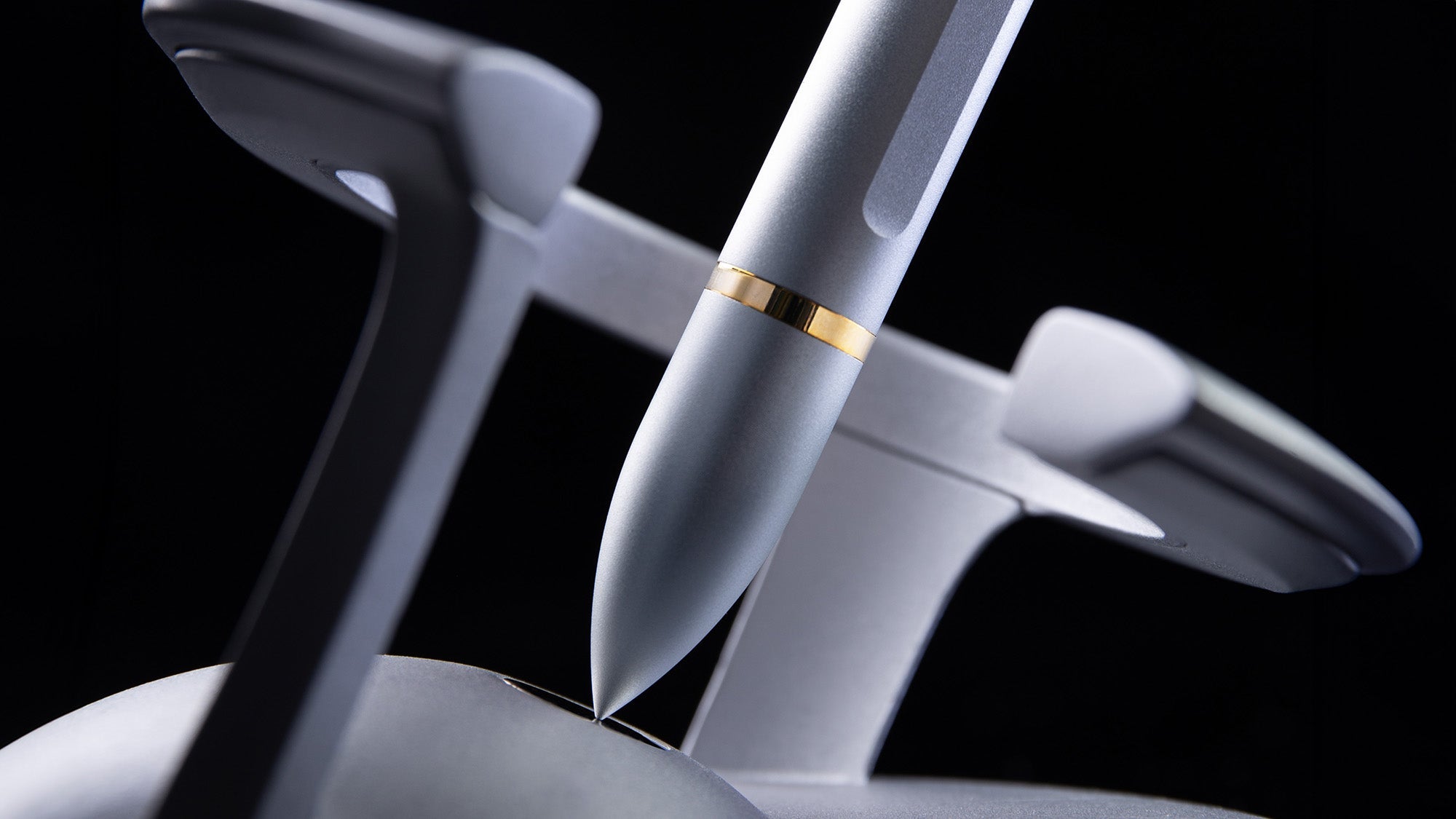
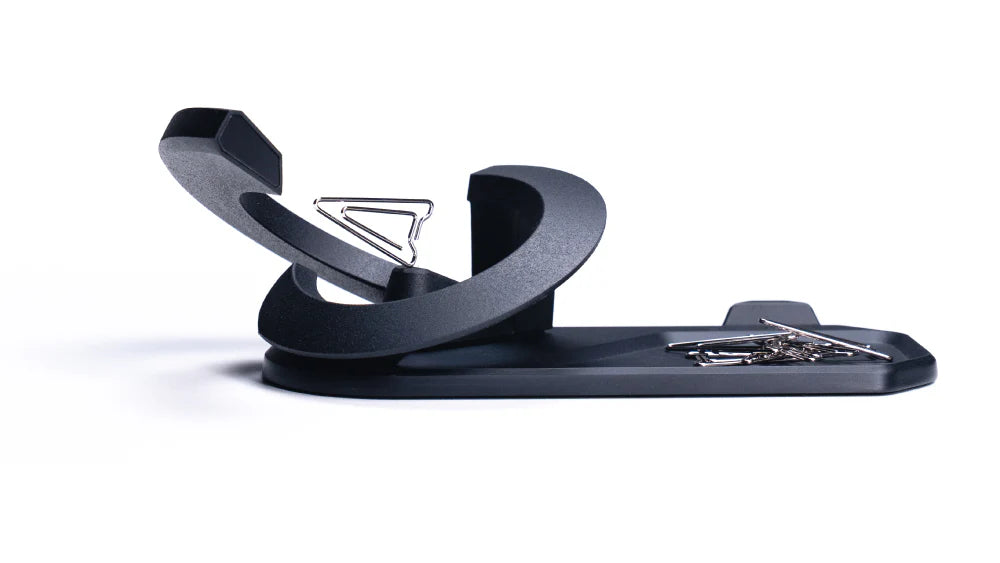
The Novium Dock lifts your Hoverpen and desk essentials off the surface and makes them appear to drift. It is CNC-milled from a solid block of aluminum, and its 125 g body is weighted for stability. A non-slip base keeps it fixed in place.
On a minimalist desk, the Dock gives your centerpiece a home and turns a flat surface into something with depth. Sitting or standing, whatever it holds looks like it is hovering.

Notebook: Tactile, Analog, Intentional
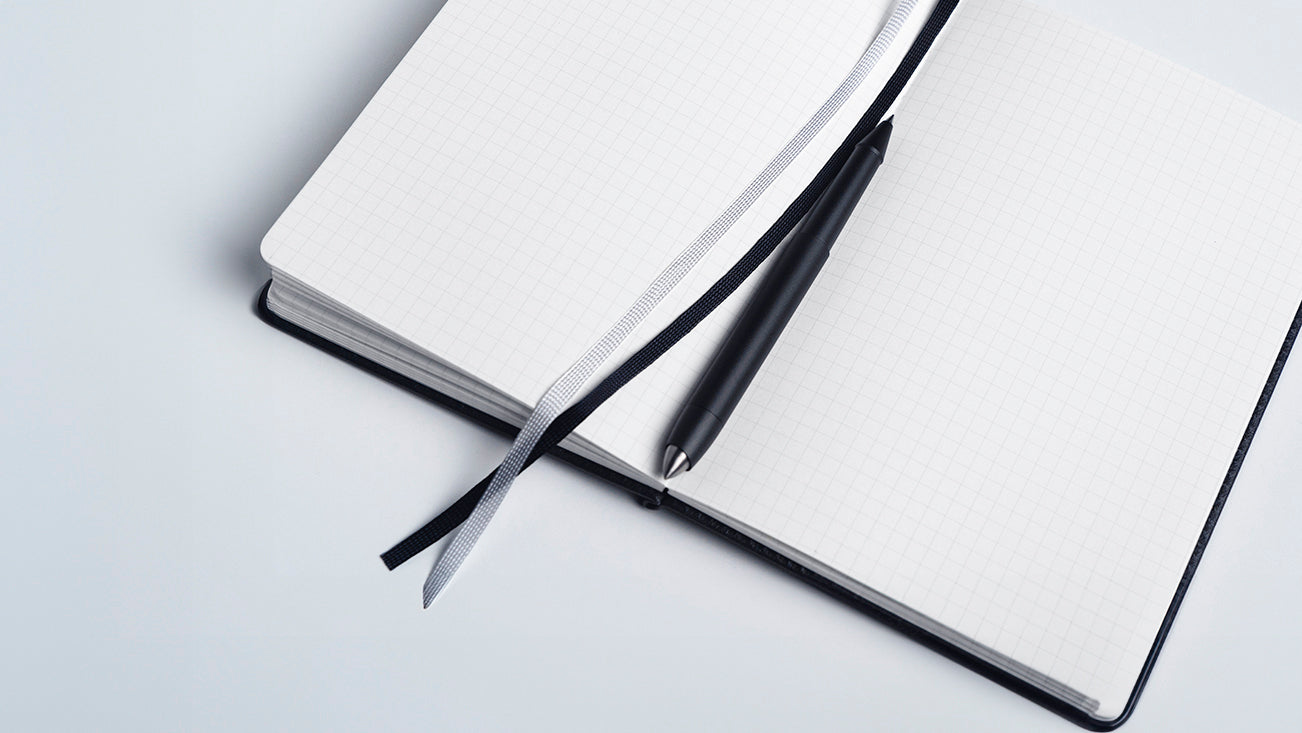
Our Notebook is made for thinking on paper, away from the screen. 196 grid-lined pages, an imitation-leather hardcover with an embossed novium logo, and a 192 × 130 mm format that sits open beside a keyboard or closed in a bag.
On a minimalist desk, it is the one surface that invites you to slow down.

Card Holder and Productivity Cards: The Day, in View
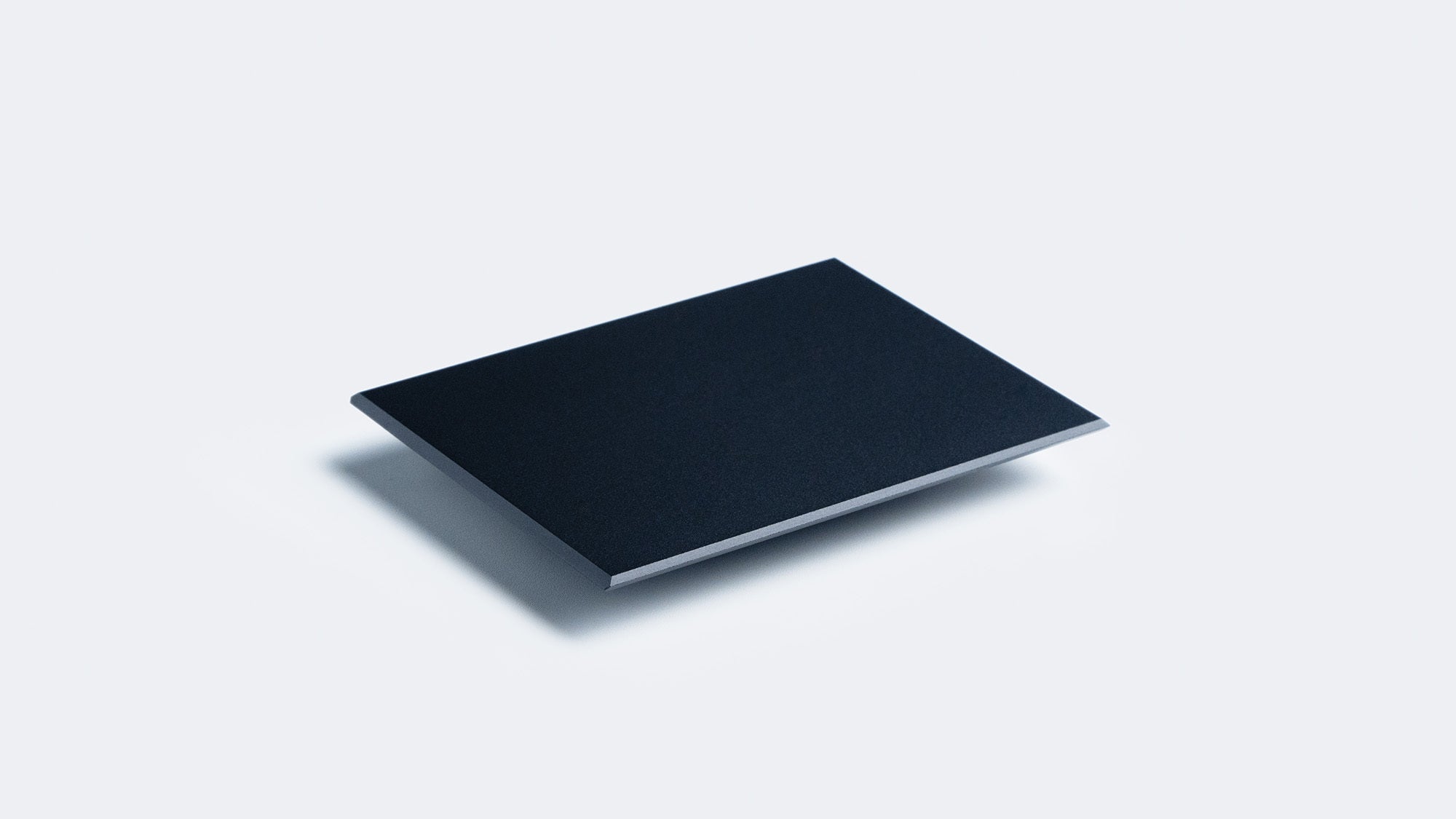
The Card Holder is a zinc alloy desk plate that does the quiet organizing. At 70 × 50 × 150 mm and 93 g, it has enough mass to stay put and is small enough to disappear into the setup. It holds a card upright, displays business cards or name tags, and its plate keeps paper clips from migrating across the desk. It ships with 10 productivity cards.
Refill it with our Productivity Cards: lined to-do cards with space for the date at the top. A physical list you cannot swipe away. No app, no notification. Just the day's tasks, standing upright where you can read them.


Carrying Case: Your Pen, Anywhere
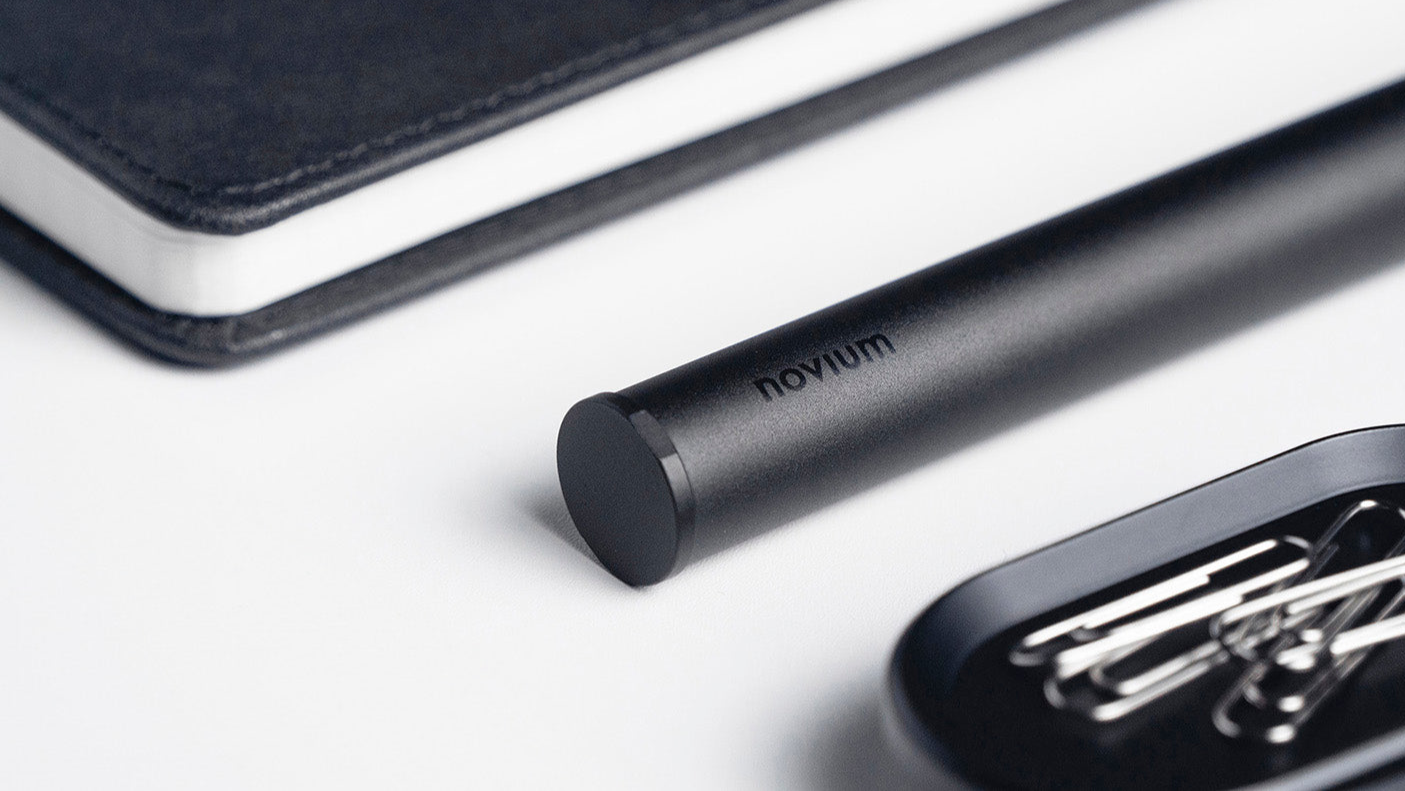
A minimalist desk is also about what leaves with you, intact. The Carrying Case is a slim aluminum capsule that protects your Hoverpen from knocks in a bag or jacket pocket. At 52 g, it adds almost nothing to carry. It fits all three Hoverpens: Classic, Interstellar and Future. You can also add a personal engraving.

How Do These Pieces Work Together?
Individually, each accessory earns its footprint. Together, they form a system around one centerpiece.
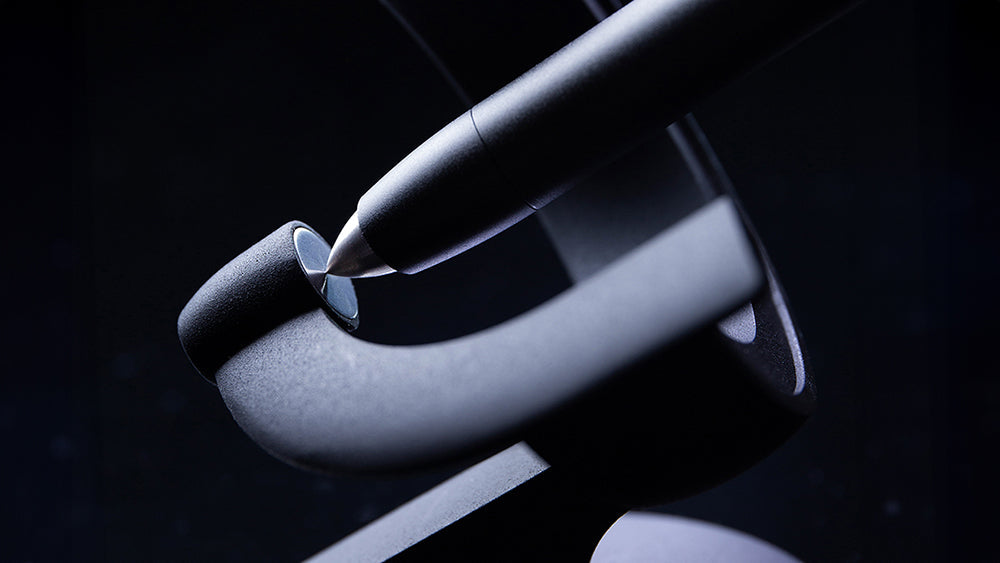
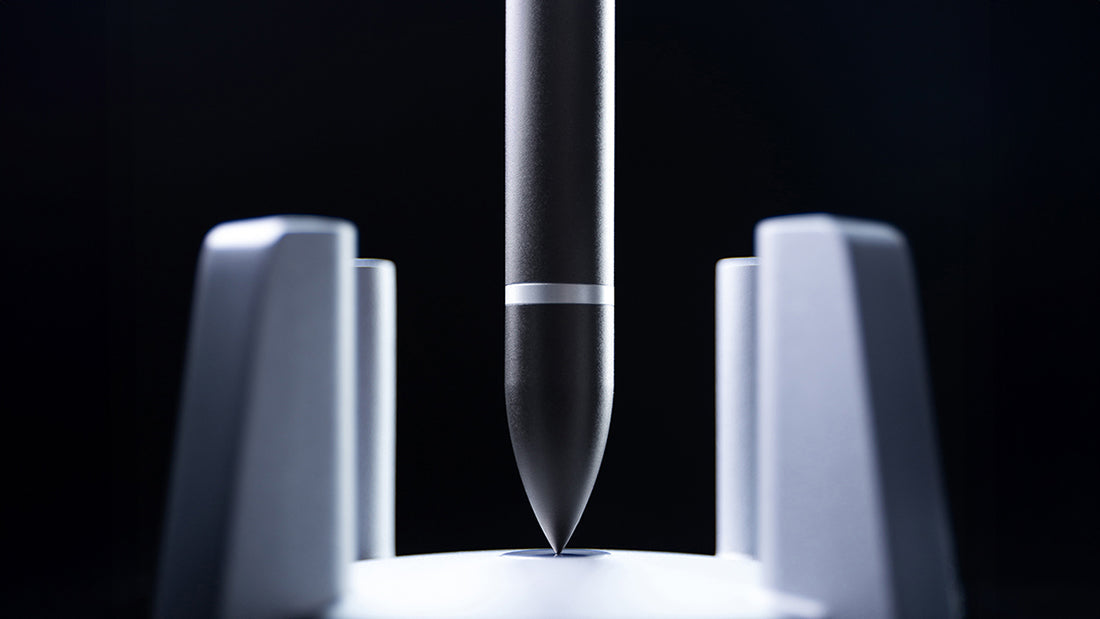
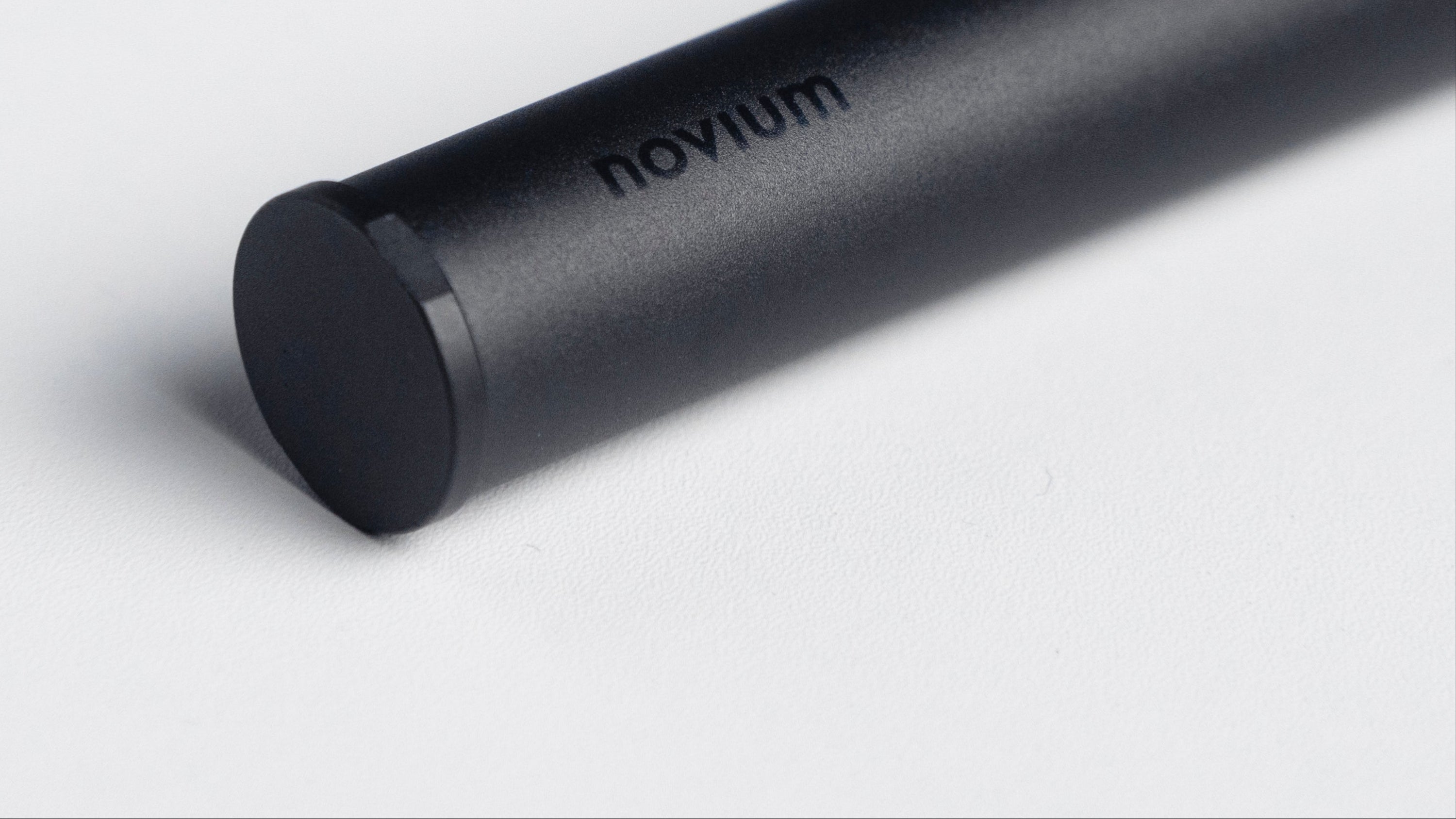
The Dock displays. The Card Holder and its cards set the day. The Notebook captures ideas. The Case carries the pen. And the Hoverpen Interstellar, CNC-machined from aerospace-grade 6061 aluminum and held aloft by a calibrated magnetic field with no batteries, anchors the arrangement.
The roles never overlap. That is what separates a minimalist desk setup from a bare one.

How Do You Choose Accessories for a Minimalist Workspace?
Before anything reaches the surface, run it through four questions:
- Footprint. Does it earn the space it takes?
- Dual function. Does it do more than one job?
- Material. Is it made of one consistent, real material? Plastic imitating metal reads as noise.
- Cohesion. Does it belong with what is already there? A minimalist setup is a family of objects, not a pile.
Keep the few pieces you would choose again. Remove the rest.
Frequently Asked Questions
What are the best desk accessories for a minimalist workspace?
The best ones reduce clutter while serving a clear function. Our five essentials cover the core needs: the Novium Dock to display, the Card Holder and Productivity Cards to organize the day, the Notebook to capture ideas, and the Carrying Case to travel.
Are metal desk accessories better for a minimalist look?
Metal suits a minimalist look because it reads as consistent and intentional. An aluminum dock, a zinc alloy card holder and an aluminum carrying case share one material language, so the setup feels cohesive rather than assembled from parts.
Do the accessories work with every Hoverpen?
Yes. The Carrying Case fits the Hoverpen Classic, Interstellar and Future, and the Dock, Card Holder and Notebook are designed to sit beside any of them.
Can I engrave the Carrying Case?
Yes. You can add a personal engraving of up to 18 characters in a regular or cursive font. Engraving adds 1 to 4 business days of processing before shipping, and engraved items cannot be returned or exchanged.